ShopAlong
Scan, track, and never run out.
ShopAlong keeps track of what’s in your kitchen, so your shopping list can write itself. Scan groceries in as they arrive and out as you use them. When something runs low or is about to expire, it goes on your list.
A 30-second video tour of ShopAlong: your pantry, always up to date; scanning a carton of oat milk adds it instantly; Stock-Up adds a whole haul in seconds; seeing what’s running low; a shopping list that writes itself; and restocking the pantry in one tap by adding the cart. It ends: ShopAlong. Scan, track, and never run out.
A look inside
Scan it in. The rest takes care of itself.
-
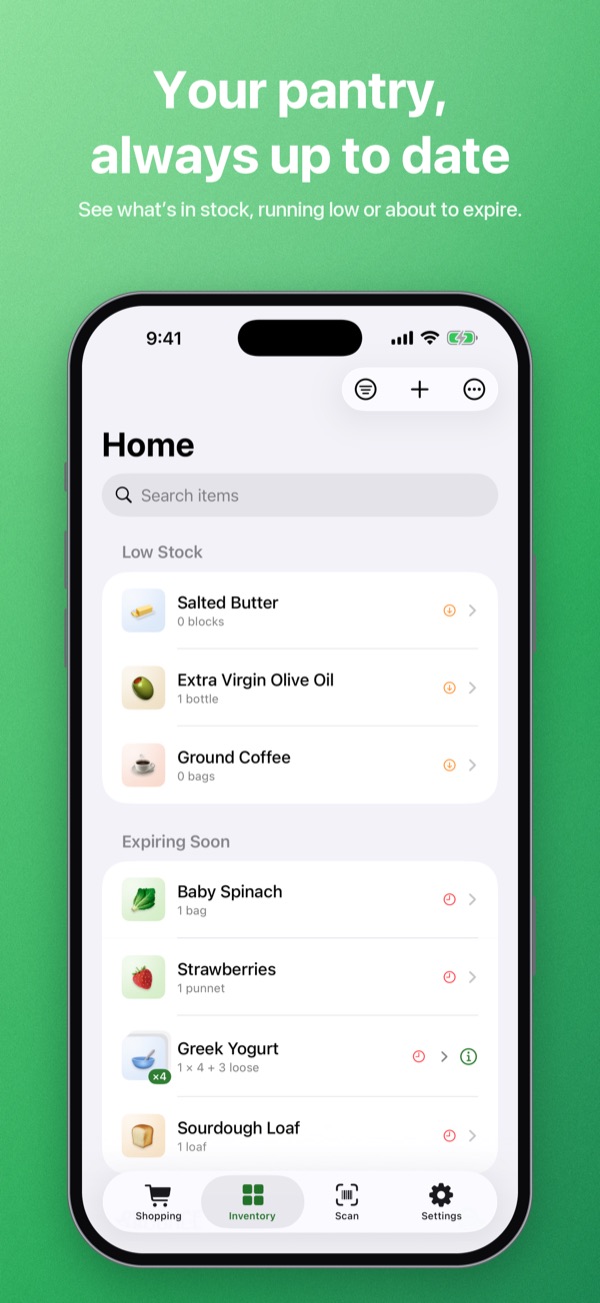
Your pantryWhat’s in stock, what’s running low, and what’s about to expire. -
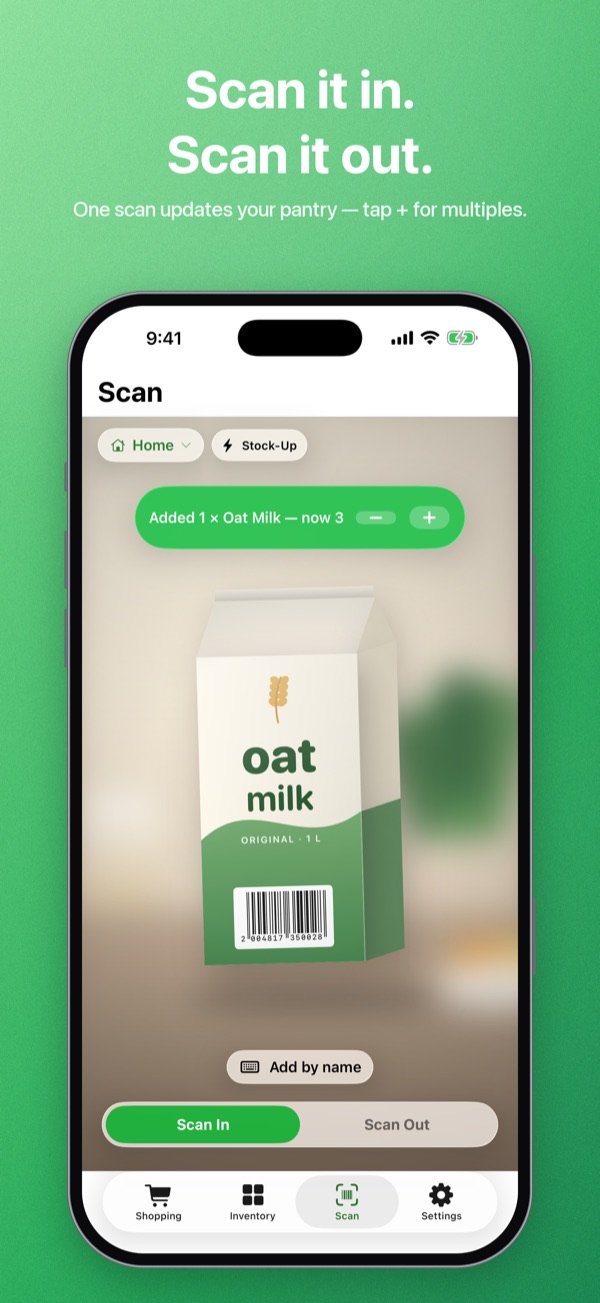
Scan it inOne scan updates your pantry. The banner confirms it, with + for multiples. -
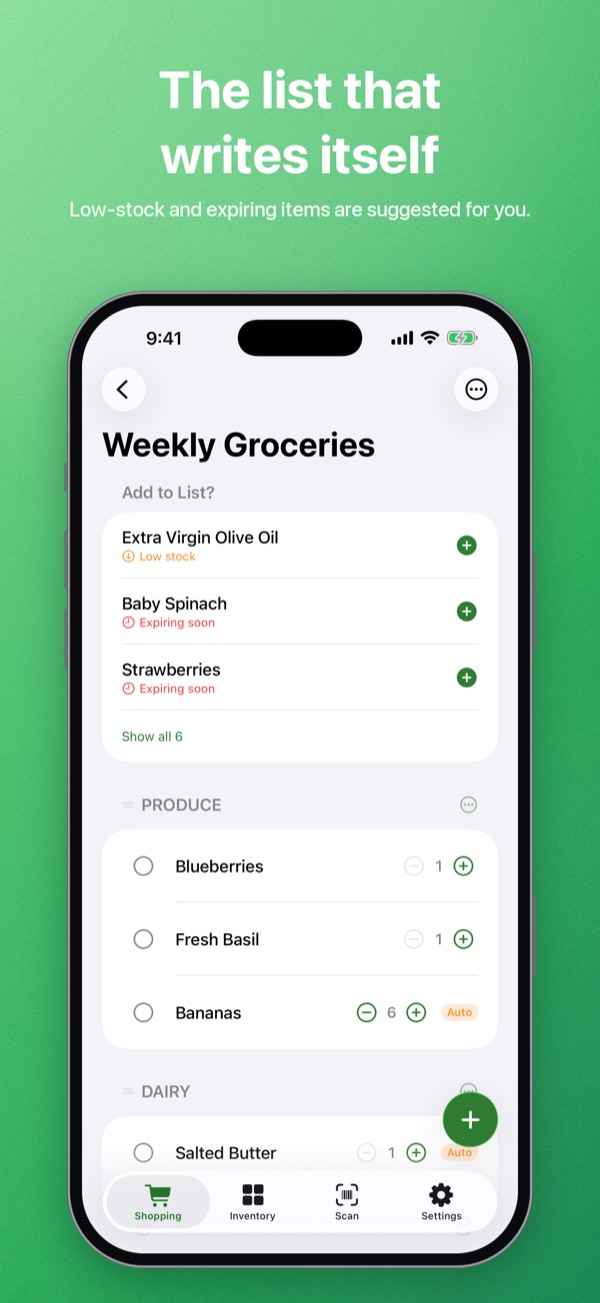
Your listLow-stock and expiring items are suggested at the top, ready to add. -
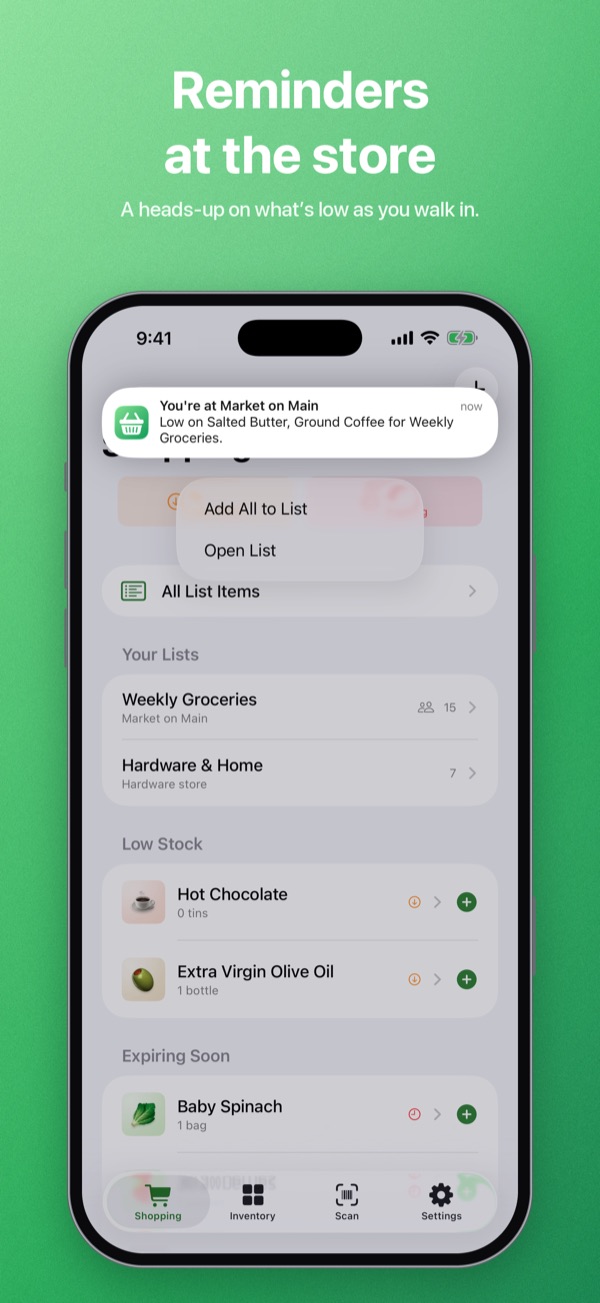
At the storeA heads-up on what you’re low on as you walk in.
What it does
Less typing, less waste, fewer trips back for the milk.
Scan in, scan out
Aim at a barcode as groceries come in, and again as you use them up. New products are looked up and named for you. Bought six? Tap + instead of scanning six times.
Stock up in seconds
Stock-Up mode scans a whole grocery haul without stopping. Anything ShopAlong isn’t sure about waits in a quick review for later.
A list that writes itself
Items that drop below your restock level or are close to expiring are suggested for your list. Check things off at the store, then add the whole cart to your pantry in one tap.
Know what you have
Keep more than one pantry, like the kitchen, the garage freezer or the cottage. Sort by category, brand or expiry, and track multipacks as packages and loose units.
Reminders at the store
Pin the stores you shop at. When you walk in, ShopAlong can remind you what you’re low on, and add it all to your list from the notification.
Siri, Shortcuts and Spotlight
Say “Add to my ShopAlong list” or ask “What’s on my ShopAlong list?”. Send a list as a text to anyone, and find any item from Spotlight.
Shop together
One pantry for the whole household.
Share a pantry or a shopping list through iCloud, and everyone’s changes stay in sync on iPhone and iPad. Check something off at the store and it’s checked off for everyone. Sharing is free, for you and for everyone you invite.
How to share with your household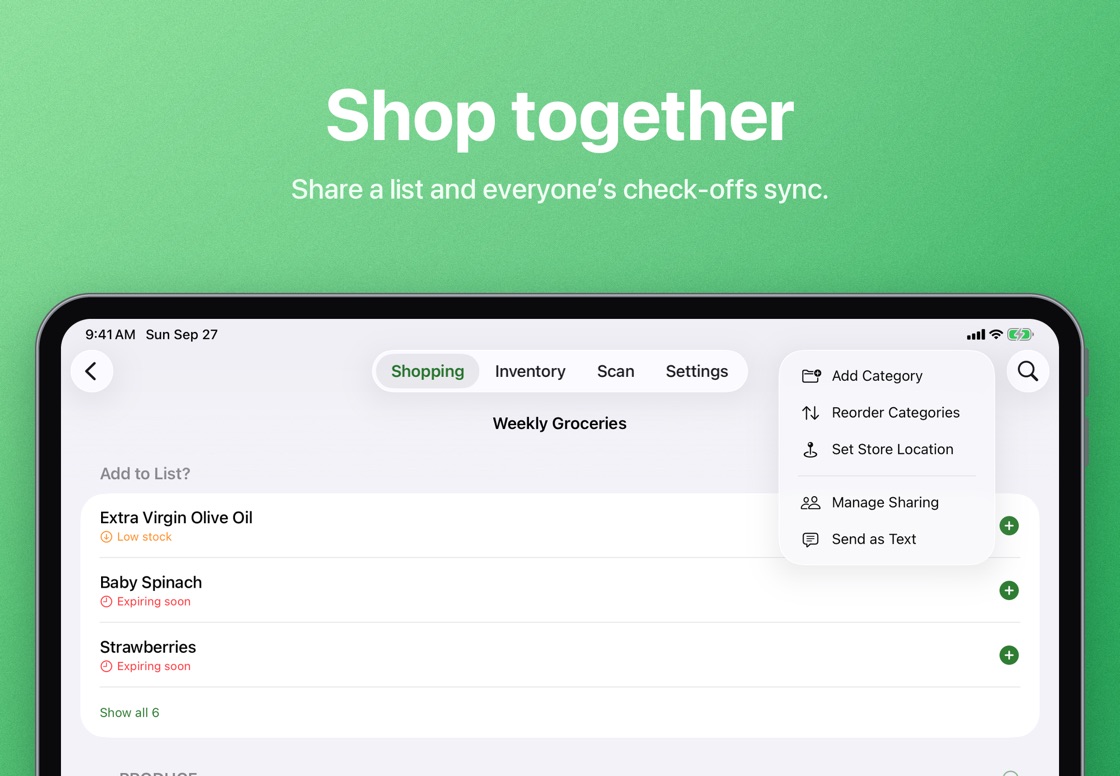
Pricing
Free to start. Pro is yours for good.
Free
- Up to 200 items and 2 shopping lists
- Barcode scanning, Stock-Up and automatic categories
- iCloud sync and household sharing, always free
- Store reminders, Siri and Shortcuts
ShopAlong Pro One-time purchase
- Unlimited items and shopping lists
- The Quick Counts Home Screen widget
- Backup export and import
- Your own expiry defaults for each category
- No subscription, and Family Sharing is included
Privacy
Data not collected.
That is what ShopAlong’s App Store privacy label says, and it is what the app does. There is no account, no ads and no tracking. Your pantry lives on your devices and in your own iCloud. The only thing that goes online is a barcode number, sent to Open Food Facts to look up the product’s name.
Read the privacy policyHelp
Questions, or stuck on something?
Step-by-step guides and answers to common questions are on the support page. If they don’t cover it, a person reads every email.
Product names and brands come from Open Food Facts, a free, collaborative database available under the Open Database License.